next-cloud on oracle cloud
Next cloud
Next cloud using snap
references
https://www.youtube.com/watch?v=JAxYMlBCR0Y
https://www.youtube.com/watch?v=QQFFrcXFvA4
back ups ref
https://github.com/nextcloud/backup
https://github.com/nextcloud-snap/nextcloud-snap/wiki/How-to-backup-your-instance
- Install next cloud
sudo snap install nextcloud
- Install next cloud
sudo nextcloud.manual-install <username> <password>
set Virtual cloud Network
-
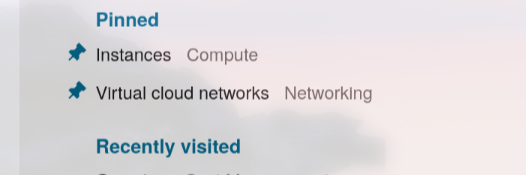
click on ... at top right
-
click on virtual cloud networks
-
click on network
-
click on subnet
-
click on default list
-
click on add inges rule
- source CIDR - 0.0.0.0/0
- destination ports - 80,443
- add ingress rule
firewalld
sudo apt -y install firewalld

sudo ufw disable
sudo firewall-cmd --state

# open ports
sudo firewall-cmd --zone=public --permanent --add-port=80/tcp
sudo firewall-cmd --reload
sudo firewall-cmd --list-ports

sudo firewall-cmd --zone=public --permanent --add-port=443/tcp
sudo firewall-cmd --reload
sudo firewall-cmd --list-ports
trusted domains in next cloud
sudo vi /var/snap/nextcloud/current/nextcloud/config/config.php # sudoedit not working...
# add new domain to trusted domains list
or better
sudo nextcloud.occ  config:system:get trusted_domains
sudo nextcloud.occ  config:system:set trusted_domains 1 --value=<domainname.com>
sudo nextcloud.occ  config:system:set trusted_domains 1 --value=<ipaddress>
sudo nextcloud.occ config:system:set trusted_domains 1 --value=cloud.linuxwith.in
DNS
domain is necessary for signing SSL certificate
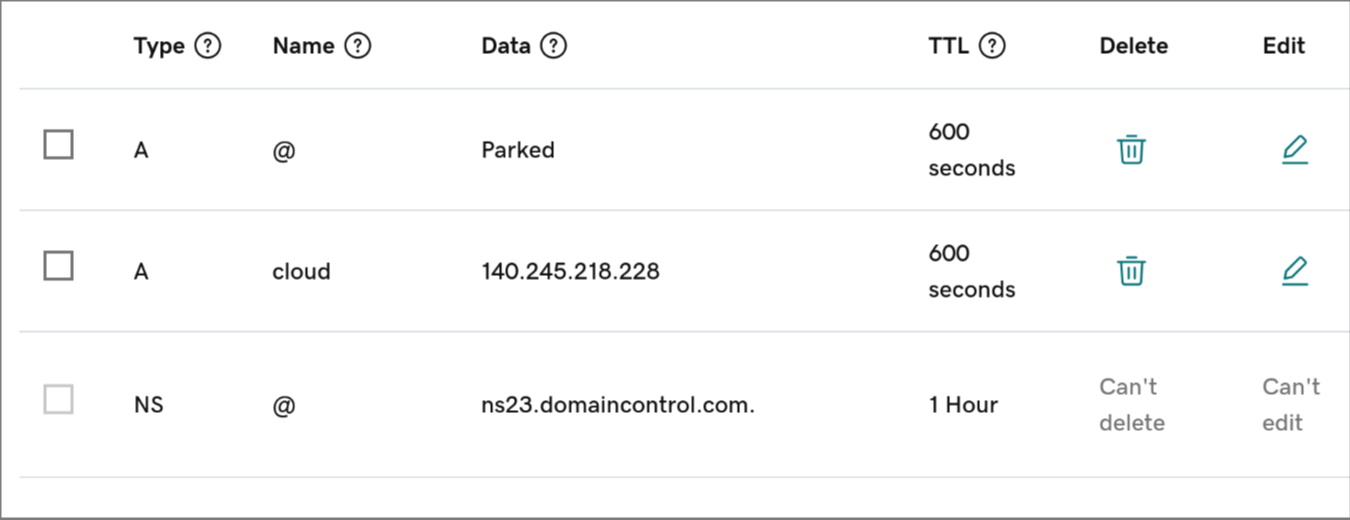
go do domain name registrar.
add a 'A' record with a subdomain name in name field and ip address of instance in data field
Enabling HTTPS by signing with lets-encrypt
sudo nextcloud.enable-https lets-encrypt
And give your domain name and email id
TODO: Configuring fail2ban
installation
sudo apt install fail2ban
finding logs location
- logs for snap are at
/var/snap/nextcloud/current/logs/nextcloud.log
configuring filters
sudo vi /etc/fail2ban/filter.d/nextcloud.conf
[Definition]
_groupsre = (?:(?:,?\s*"\w+":(?:"[^"]+"|\w+))*)
failregex = ^\{%(_groupsre)s,?\s*"remoteAddr":"<HOST>"%(_groupsre)s,?\s*"message":"Login failed:
            ^\{%(_groupsre)s,?\s*"remoteAddr":"<HOST>"%(_groupsre)s,?\s*"message":"Trusted domain error.
datepattern = ,?\s*"time"\s*:\s*"%%Y-%%m-%%d[T ]%%H:%%M:%%S(%%z)?"
(chatgpt)
[Definition]
failregex = ^.*\"remoteAddr\":\"<HOST>\".*\"app\":\"core\",\"message\":\"Login failed:.*$
ignoreregex =
creating a jail for nextcloud
sudo vi /etc/fail2ban/jail.local
[nextcloud]
enabled = true
port = 80,443
filter = nextcloud
logpath = /var/snap/nextcloud/current/logs/nextcloud.log
maxretry = 5
bantime = 3600
findtime = 3600
restart the fail2ban
sudo systemctl restart fail2ban
check status
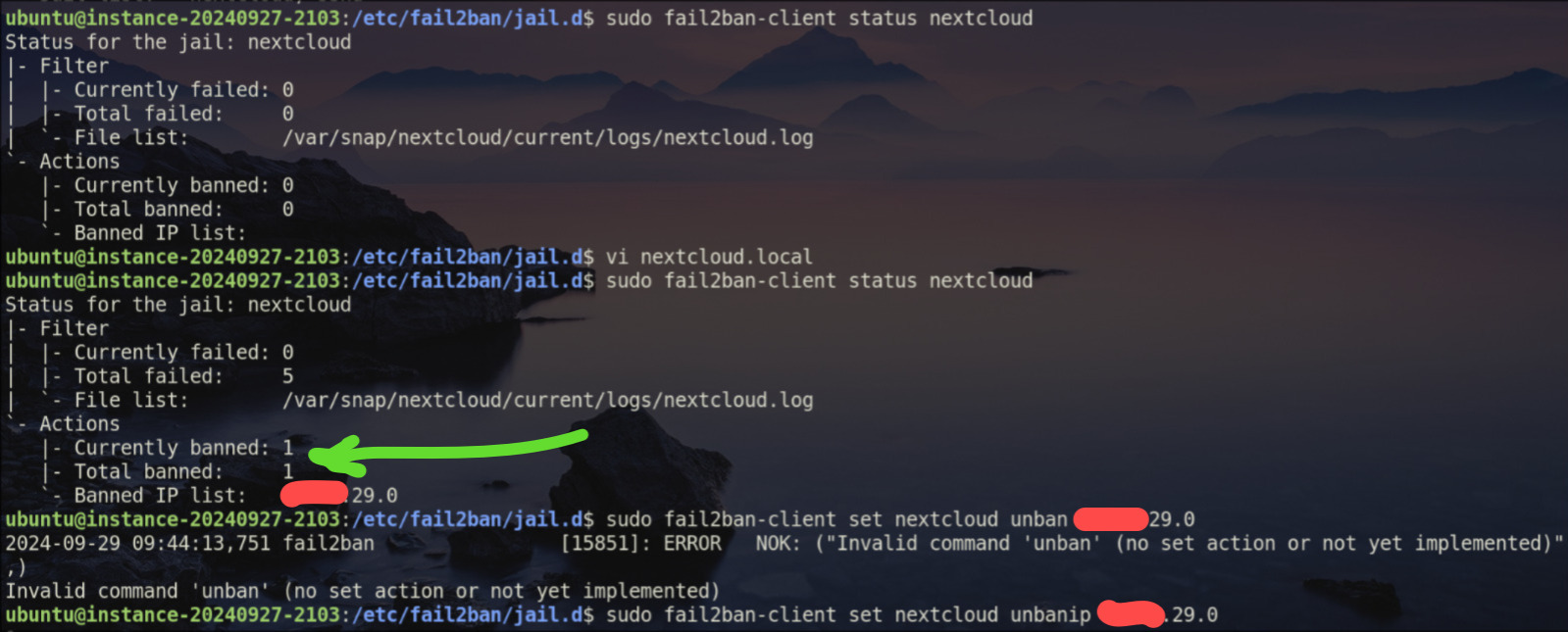
sudo fail2ban-client status
sudo fail2ban-client status nextcloud
it's working... i tried wrong login 5 times from my phone...
unbanning specific IPs
sudo fail2ban-client set nextcloud unbanip <IP_ADDRESS>